User Onboarding
Product tours, checklists, tooltips, and banners — all managed from your dashboard.
Ship onboarding without writing onboarding code. Define what users see in the Callout dashboard, target it to the right pages and users, and it goes live instantly.
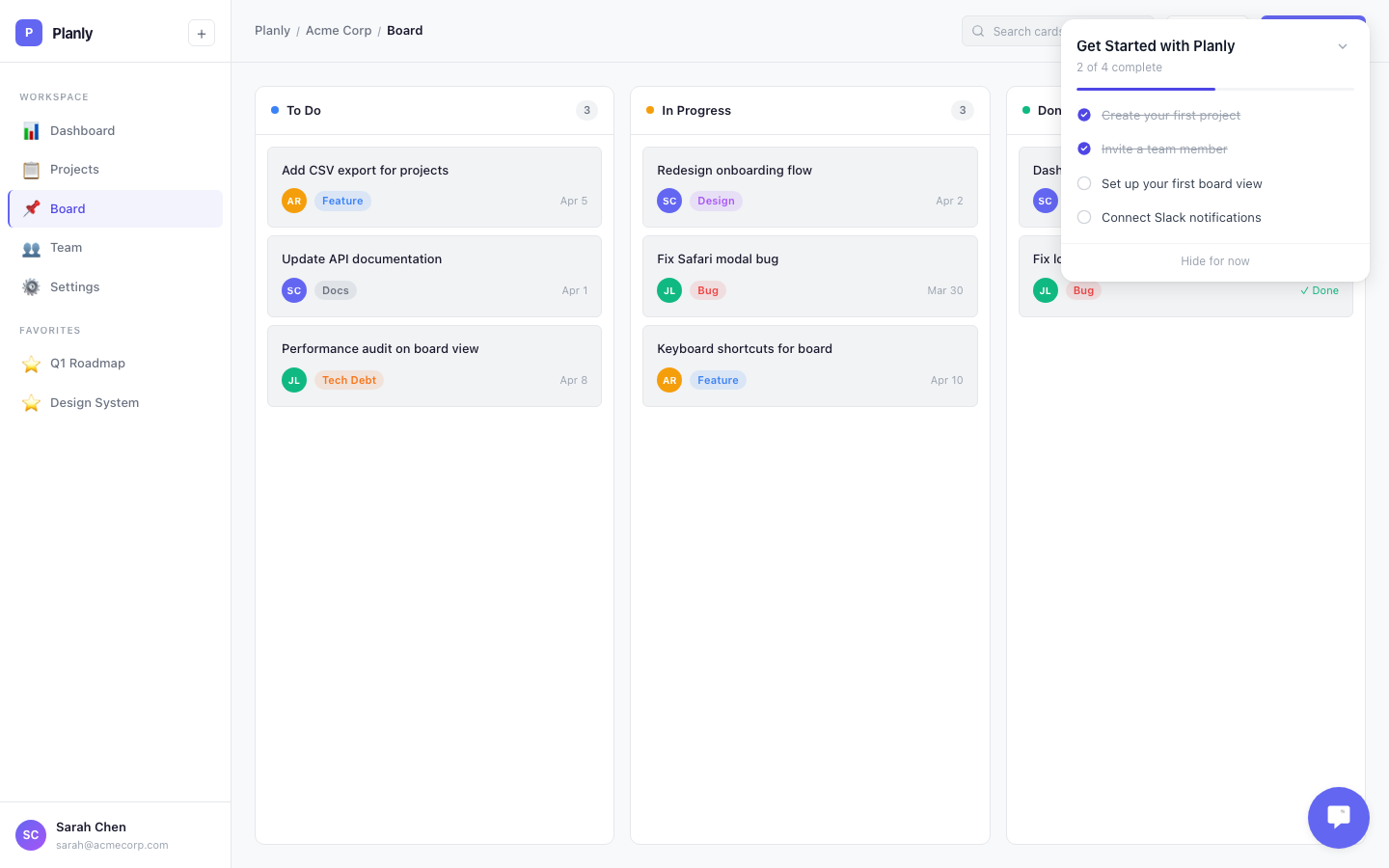
Four Building Blocks
Product Tours
Step-by-step walkthroughs that highlight features. Each step anchors to an element on the page. Users navigate at their own pace.
Checklists
Onboarding milestones with progress tracking. Users see what they've done and what's left. Progress persists across sessions.
Tooltips
Small popovers anchored to specific UI elements. Explain a button, highlight a new feature, nudge an action.
Banners
Page-wide announcements — feature launches, maintenance notices, upgrade prompts. Optional call-to-action button.
How It Works
Everything is created and managed in your Callout dashboard. You pick the type of experience, write the content, choose which pages it appears on and which users see it. Save, and it's live.
No code changes. No deploys. No asking engineering for help. Your product team, support team, or anyone on your team can create and update onboarding experiences directly.
The only code needed is the one-time installation snippet. After that, everything is managed through the dashboard.
Targeting
Every experience can be targeted two ways:
- By page — set URL patterns so a tour only shows on the dashboard, or a banner only shows on settings
- By user — create segments based on traits like plan type, role, or company
Combine both: "Show this upgrade banner to free-plan users, but only on the dashboard."
What You Can Track
- Which milestones users complete (and which they skip)
- Which tour steps cause drop-off
- Which banners get dismissed vs. clicked
See Insights for detailed analytics.