Team & Access
Invite team members and manage access to your application.
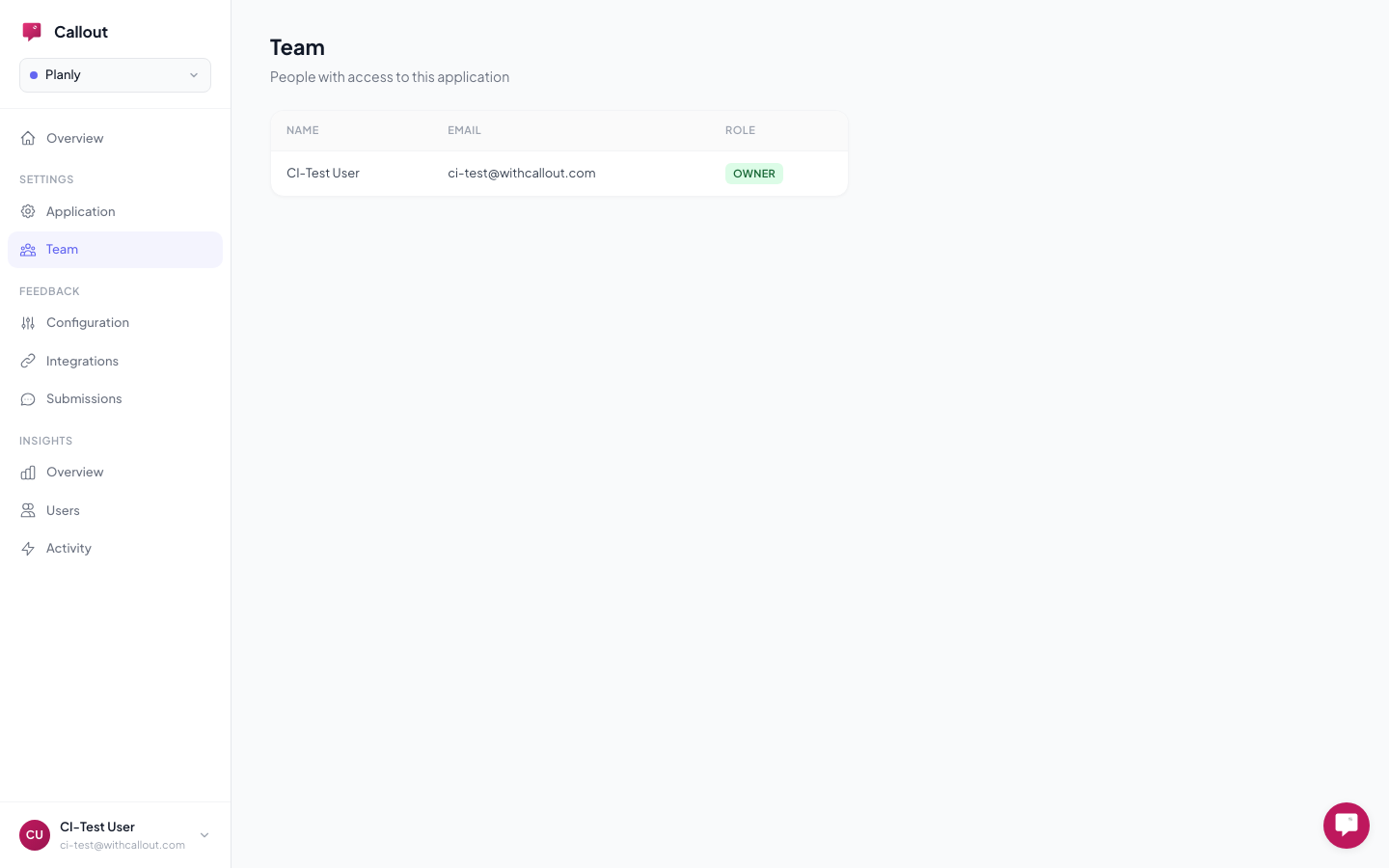
Every Callout application supports multiple team members with role-based access. Manage your team at Settings > Team in your dashboard.
Roles
| Role | What They Can Do |
|---|---|
| Owner | Full access — manage settings, integrations, experiences, team members. Can delete the application. |
| Editor | Create and edit experiences, integrations, and feedback config. Cannot change application settings or manage team. |
| Viewer | Read-only access to reports, analytics, and experiences. Cannot make changes. |
Inviting Members
Invite team members by email from the Team page. They'll receive an invitation and can access the application after signing in to Callout.
Who Should Have Access
- Product managers — Editor role. Create and manage onboarding experiences, review feedback, iterate on content without engineering help.
- Engineers — Editor or Owner. Set up integrations, configure allowed origins, manage the technical setup.
- Support / QA — Viewer role. Review submitted bug reports and user activity without risk of changing anything.
Related
- Application Settings — configure feature toggles, allowed origins, and more
- Identity & Traits — how users are identified in Callout