Application Settings
Configure your application — allowed origins, feature toggles, and installation.
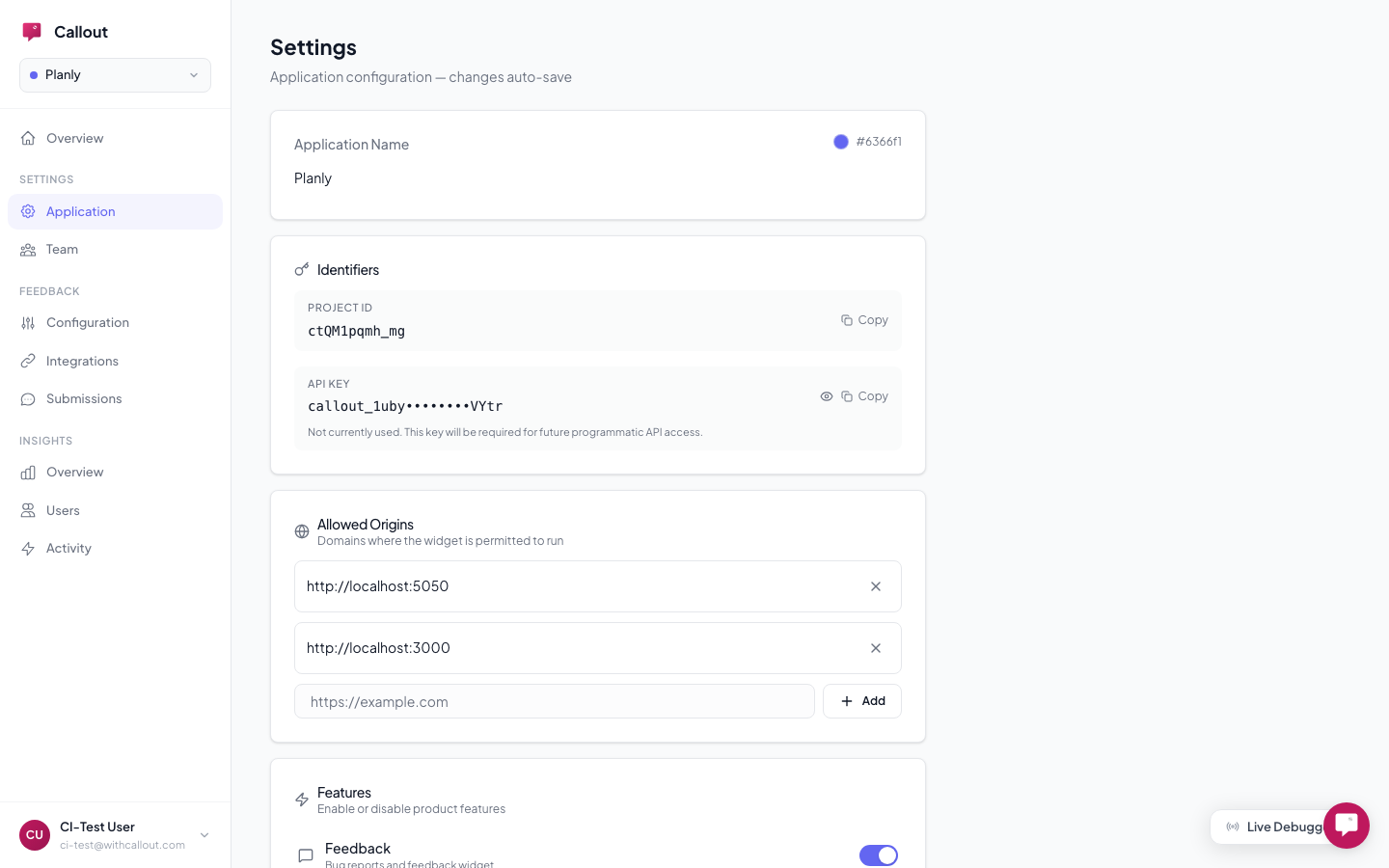
Your application settings live at Settings > Application in your dashboard. Here's what you can configure.
Allowed Origins
Control which domains can load the Callout widget. Add every domain where the widget should work, including the protocol:
https://myapp.com
https://staging.myapp.com
http://localhost:3000
Requests from unlisted domains are blocked. Don't forget to add your staging and local development URLs.
Feature Toggles
Turn features on or off for your application:
| Toggle | What It Controls |
|---|---|
| Feedback | The bug reporting widget (independent of onboarding) |
| Engage | Master switch for all onboarding — turning this off disables everything below |
| Checklists | Onboarding checklists (requires Engage to be on) |
| Tours | Product tours (requires Engage to be on) |
| Tooltips | Contextual tooltips (requires Engage to be on) |
| Banners | Page-wide banners (requires Engage to be on) |
These are server-controlled — they can't be overridden from the browser. Feedback and Engage are independent: you can use feedback without onboarding, or onboarding without feedback.
Anonymous Mode
Feedback always works for all visitors, identified or not. Onboarding features (tours, checklists, tooltips, banners) require an identified user by default so progress can be tracked across sessions.
Enable anonymous mode to show URL-targeted tooltips and banners to visitors who aren't logged in. Checklists and tours still require identification since they track per-user progress.
Installation Snippet
Your settings page shows the installation snippet pre-filled with your project ID. Copy it and add it to your site.
Project ID & API Key
Your Project ID is the public identifier used in the widget script. Your API Key is reserved for future programmatic access. Both are shown in Settings and can be copied with one click.
Deleting an Application
Application owners can delete an application from the bottom of the Settings page. This is permanent and removes all data — reports, users, experiences, and integrations.
Related
- Team & Access — invite members and manage roles
- Troubleshooting — common issues and how to fix them
- Quick Start — installation snippet for your site